
Catalyst Center on Ubuntu KVM: Reading the Guide Before the Software Lands
This is not a lab field note. At the time of writing we have not yet run Catalyst Center 3.2.3 on KVM in our own environment. Cisco added KVM support in the 3.2.3 release notes on 20 July 2026 and published the full deployment guide on 12 August 2026. Everything below comes from that document rather than from our console. We are writing it now because the guide already answers the question most people will ask first: does moving the Virtual Appliance onto KVM change the sizing conversation? It does not.
One practical point before the technical detail: Catalyst Center 3.2.3 is a controlled availability release, and the software package for the KVM deployment is not yet on general release. At the time of writing it is not available on the standard Cisco download portal, so for most organisations this is still a planning exercise rather than something you can download this afternoon. A little patience is required before any of the below can be put into practice.
A second on-premises hypervisor option, not a lighter one
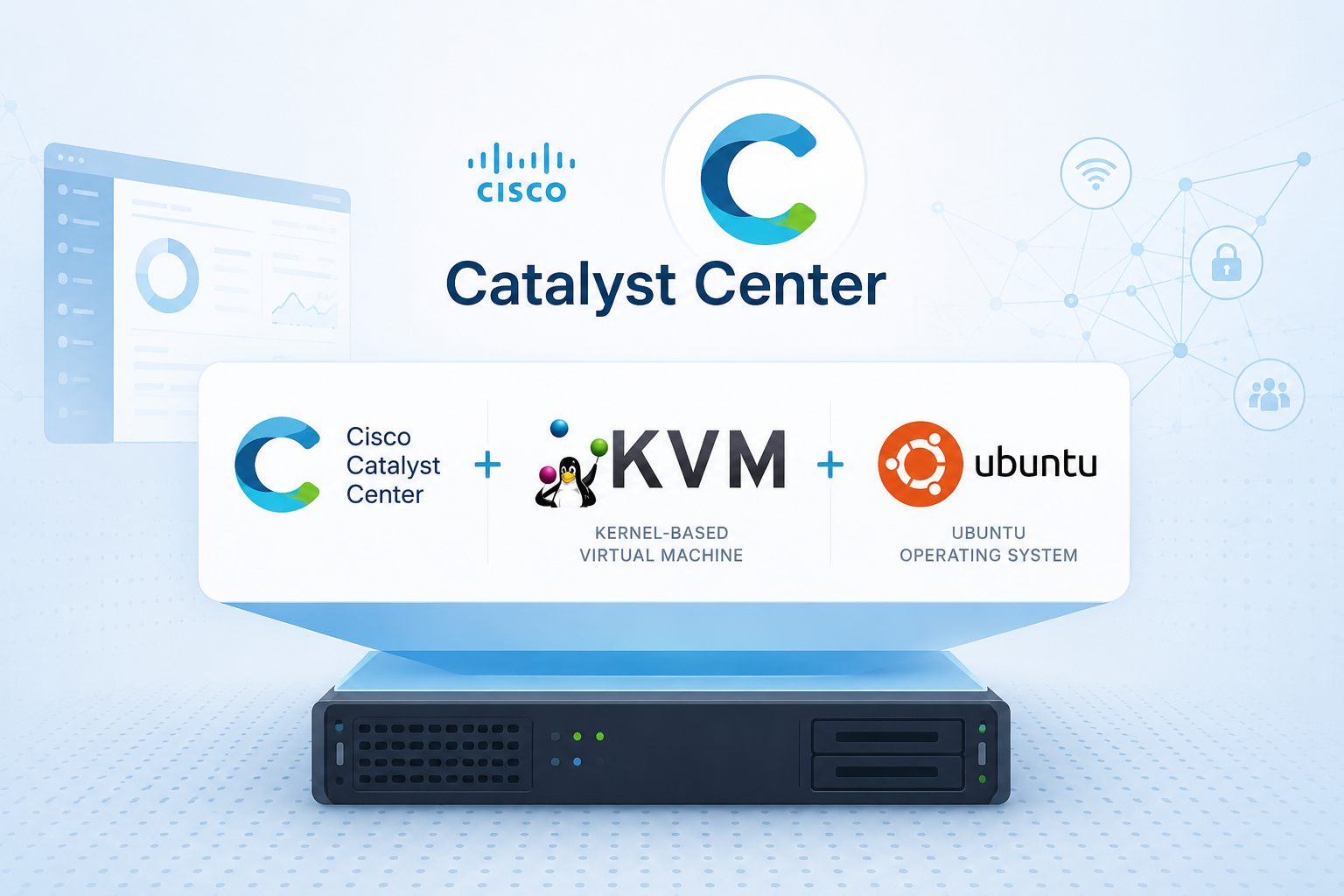
The 3.2.3 release notes state that Catalyst Center is supported as a Virtual Appliance on VMware ESXi and Ubuntu KVM for on-premises environments. AWS and Azure deployment guides exist for the 3.1.x series but are not part of the 3.2.3 supported platform set. Catalyst Center 3.2.3 adds Kernel-based Virtual Machine on Ubuntu 22.04 LTS or Ubuntu 24.04 LTS as the second supported on-premises hypervisor platform, deployed either from Ubuntu Desktop using Virtual Machine Manager or from Ubuntu Server using Cockpit on port 9090.
For organisations currently re-evaluating their VMware estate, that matters. The network controller no longer requires an ESXi host to exist purely to host it. What it does not do is reduce the footprint.
The resource envelope has not moved
The documented minimum requirements for the KVM guest are:
- Intel Xeon Scalable (Cascade Lake or newer) or AMD EPYC Gen2, 2.1 GHz or better
- 32 vCPUs dedicated, with 64 GHz of CPU capacity reserved
- 256 GiB (262,144 MiB) of DRAM dedicated and reserved
- A 3 TB SSD, plus additional space if you intend to hold backups locally
- 180 MB/sec I/O bandwidth, 2,000 to 2,500 IOPS, and under 5 ms I/O completion latency
- A maximum of 200 ms latency between the appliance and a managed network device
The operative word throughout is "reserved". Cisco is explicit: "Any changes to the resource allocation or reservation of the Catalyst Center virtual machine may adversely affect its operations and could result in failure." On ESXi that reservation is a hypervisor setting. On KVM it becomes a scheduling and placement discipline that you own, on a host you are probably also running other workloads on. Treat the 256 GiB and the 32 vCPUs as carved out, not as a ceiling the hypervisor is free to interpret.
Scale is consistent with what you would expect from a medium deployment. Non-fabric supports 1,000 devices, 4,000 access points, 25,000 endpoints and 2,500 site elements. Fabric supports 2,000 devices, 3,000 access points and 25,000 endpoints, with per fabric site limits of 500 fabric nodes, 64 VNs and 100 IP pools. Either way, ten concurrent administrator sessions.
Single node only
Catalyst Center on Ubuntu KVM does not support three-node clusters. This is worth stating plainly, because organisations coming from physical appliances have often leaned on the cluster as their availability story. Here, availability becomes a hypervisor problem and a restore-time problem.
That makes the backup design part of the initial architecture rather than an afterthought. The supported recovery and migration paths are hardware appliance (specifically a 44-core Catalyst Center appliance) to Virtual Appliance, and Virtual Appliance to Virtual Appliance, which explicitly includes backing up an ESXi deployment and restoring it onto Ubuntu KVM. If the source backup was taken from a Catalyst Center 2.3.x system, the architecture must be upgraded first before restoring to the VA. A source backup from a 3.x system can be restored directly. NFS is required for Assurance data; a remote SSH server is supported for automation-only backups. NetFlow data is not included when you back up automation and Assurance data.
What the wizard will not do for you
The install itself is procedural: extract the qcow2 TAR package containing three disk files, attach all three disks on the SCSI bus (disk 1 defaults to VirtIO and must be changed to SCSI after import, disks 2 and 3 also attach on SCSI), place the Enterprise interface on the first NIC, leave the Intracluster interface prepopulated on the second (in the advanced wizard paths you must enter this address manually; it cannot be changed after configuration regardless of which path you use), and optionally add a Management interface on a third. The guide offers four wizard paths (Maglev default mode, Maglev advanced mode, the browser-based Install Configuration wizard, and the browser-based Advanced Install Configuration wizard). All four ask for IP addresses, proxy, DNS, NTP, and credentials. Expect roughly 60 minutes for the VM to become operational, then a further 15 to 30 minutes for services to stabilise before the UI is usable.
The part that is easy to miss is that the performance settings are not enabled by default. The guide is explicit on this point: "These performance settings are not enabled by default." Guest NUMA topology and virtio multiqueue both require editing the libvirt domain XML by hand after deployment.
First, confirm the host has more than one NUMA node:
numactl --hardware | grep available
available: 2 nodes (0-1)
The output tells you how many NUMA nodes the host exposes, and how many CPU cores and how much memory each node holds. The two-cell example below assumes exactly two nodes with 16 physical cores and 128 GiB each, matching a symmetric two-socket host. If your host has four NUMA nodes, or if the memory is distributed unevenly across nodes, the CPU ranges and per-cell memory values in the XML will need to reflect that actual layout. The right way to check is to run numactl --hardware in full (without the grep) and read the node lines: they list the CPUs belonging to each node and the free and total memory available on that node. Count the nodes, note the CPU range per node, and note the memory per node. Those three figures are what you put into the XML.
Then, with the VM shut down via virsh shutdown <vm name>, edit the domain XML with virsh edit <vm name> and add a guest NUMA topology inside the <cpu> block:
<cpu mode='host-passthrough' check='none' migratable='off'>
  <numa>
    <cell id='0' cpus='0-15' memory='134217728' unit='KiB'/>
    <cell id='1' cpus='16-31' memory='134217728' unit='KiB'/>
  </numa>
</cpu>
The memory values split 256 GiB evenly across two NUMA cells (134,217,728 KiB per cell is 128 GiB). Adjust the CPU ranges and memory values if your host topology differs. Then enable multiqueue on each virtio interface, adding the driver line directly after the <model> element:
<model type='virtio'/>
<driver name='vhost' queues='8'/>
The reasoning behind both settings is straightforward. On most two-socket hosts a 32 vCPU, 256 GiB guest will span both NUMA nodes, but this depends on the physical topology, so run numactl --hardware to confirm. If you do not describe the topology to the guest, the guest OS cannot make locality-aware scheduling decisions. The guest <numa> topology block shown above is a necessary first step: it tells the guest OS that two NUMA cells exist so it can prefer local memory when scheduling threads. It is not, however, sufficient on its own to guarantee physical locality. Binding vCPUs to specific physical cores and pinning guest memory to the corresponding NUMA node's memory requires additional libvirt controls (numatune, vcpupin, emulatorpin) that the Cisco guide does not cover. Without those, the hypervisor scheduler may still place vCPUs and memory across nodes, but the guest at least has the information it needs to make better decisions within that placement. Remote-memory latency remains a real risk on a workload that is heavily memory and I/O bound, and the guest topology declaration reduces but does not eliminate it without the full set of pinning controls. Multiqueue matters for a related reason: a single vhost queue serialises packet processing onto one vCPU, which is a poor fit for a controller ingesting telemetry from thousands of devices. Neither setting is exotic. Both are manual, and both are easy to skip, because the virtual machine boots perfectly well without them. That is the pattern we have seen with other virtualised controllers: the deployment succeeds, the platform runs, and the performance deficit only surfaces later as sluggish Assurance queries that nobody immediately connects back to a line of XML.
Two further details worth knowing before planning. The upgrade path to 3.2.3 on KVM is defined from specific 2.3.7.x builds (2.3.7.7, 2.3.7.9, 2.3.7.10 and 2.3.7.11 builds are listed in the guide's "Before you begin") using a Cisco-supplied migration script, with NFS mandatory for moving Assurance backup files off physical appliances. And the connection from Catalyst Center to the proxy server is over HTTP rather than HTTPS in this release: the configured proxy endpoint must be an HTTP URL. HTTPS destination traffic may still be tunnelled through the proxy in the normal way via CONNECT, but the leg between Catalyst Center and the proxy itself is unencrypted.
What about Proxmox?
The obvious question for anyone already off VMware is whether this works on Proxmox VE. Cisco's supported platform statement is specific: Ubuntu 22.04 or 24.04 LTS as the KVM host. Proxmox is Debian-based, so it falls outside that statement and would be unsupported.
Technically, though, there is less separating the two than the support matrix suggests. Proxmox VE is KVM and QEMU with its own management layer on top, the same hypervisor Ubuntu is running. The appliance ships as three qcow2 disks carrying its own operating system, so there is no guest OS to install either way. Our expectation, and we want to be clear this is expectation rather than experience, is that importing those disks as a Proxmox VM will work, with the caveat that it will not be supported.
The difference is in the tuning. Proxmox does not use libvirt, so the guest NUMA topology and virtio multiqueue settings above cannot be applied by editing domain XML. The equivalent settings live in the Proxmox VM configuration instead, which means the guide's procedure needs translating rather than copying.
We have not been able to test any of this, because the image is not yet available to us. Once it is, we intend to run it in our own lab on Proxmox and report back on what actually happens.
Our Experience
We have deployed Catalyst Center as a Virtual Appliance at multiple customers, and across those deployments our anecdotal observation is that the platform has tended to tolerate being sized slightly below a physical appliance better than it tolerates slow storage, though we have not measured this systematically and the specifics will vary with workload and device count. The 2,000 to 2,500 IOPS and sub-5 ms latency figures in the documentation are not formalities. They are where virtualised deployments succeed or quietly disappoint, and they are the first thing to verify before committing to a host platform.
KVM support removes a real blocker for organisations rethinking their hypervisor strategy, but it shifts work from the vendor to the engineer. Reservations, NUMA topology, queue count and the backup design are now yours to get right. The installation wizard gets a Catalyst Center VM running. It does not tune the guest for the workload.
If you are weighing a move from ESXi, or planning the migration from a physical appliance to the KVM Virtual Appliance, we are happy to talk through the design. Feel free to reach out to us at Entek IT.